
Skip to content
Liberrex

Search

Enter a query to search published products, case studies, articles, resources, and industries.

Menu

Customer Experience

Create, publish and operate digital signage across your service network.

Create screen content, publish it to selected locations, and monitor displays from one platform. Connect signage to customer-service operations when Liberrex CX capabilities are in use.

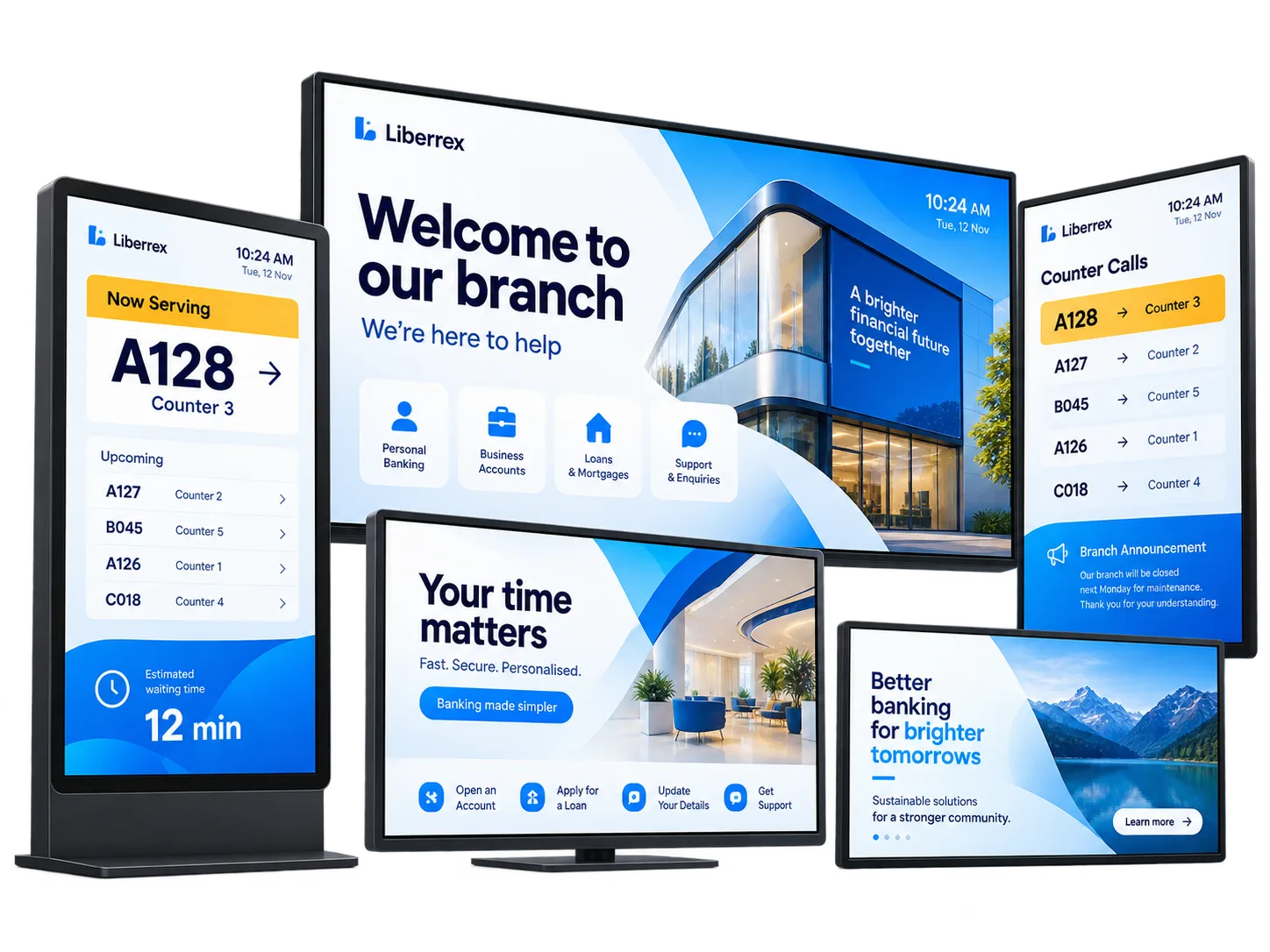
Conceptual illustration of customer-facing digital signage screens in a branch

Content creation

Build screen experiences without starting from code.

Arrange widgets, content elements and layouts visually for customer-facing screens.

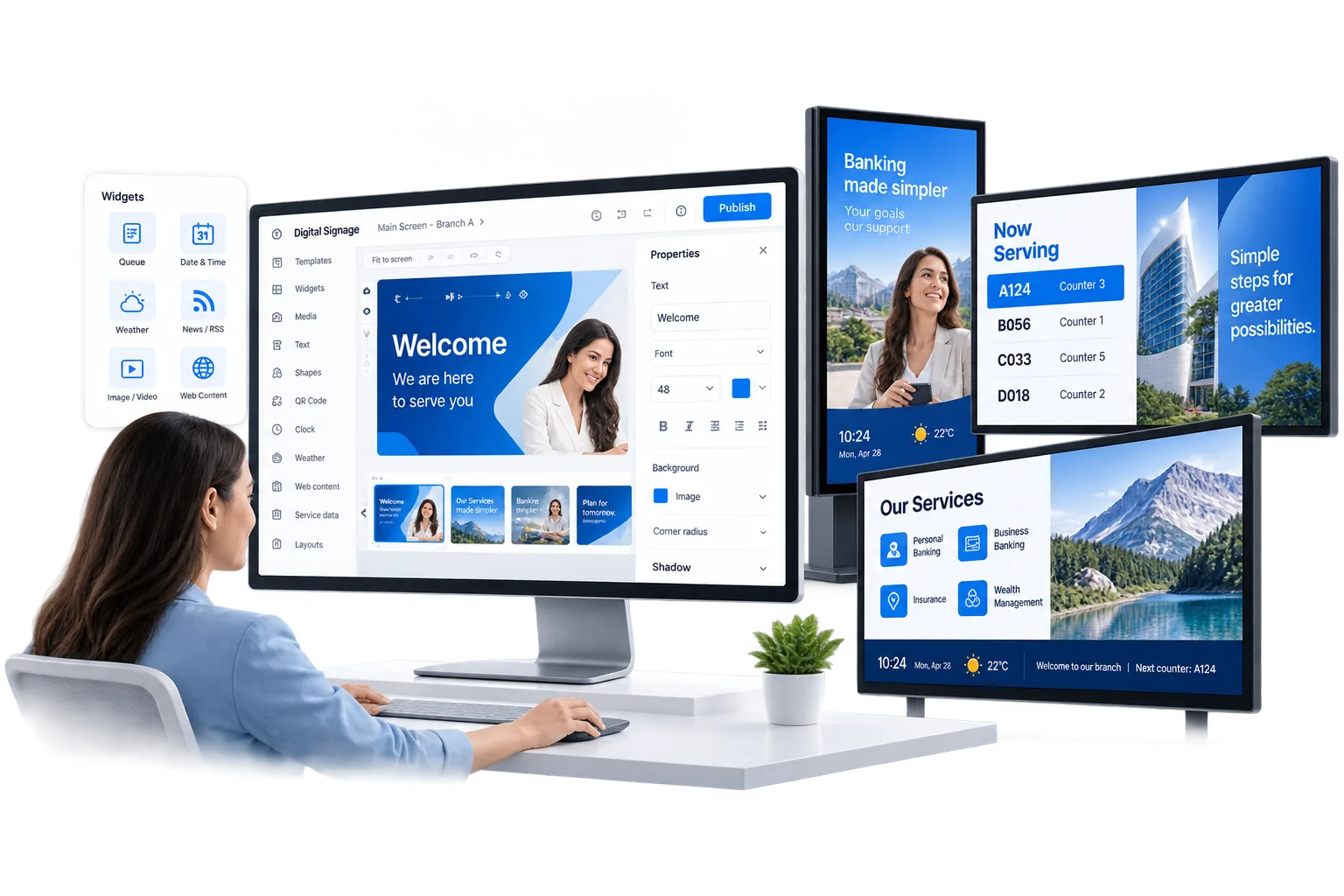
Conceptual illustration of a drag-and-drop digital signage editor with widgets and a canvas
  • Drag-and-drop editor

    Arrange layouts visually on the canvas.

  • Widgets

    Add dynamic components and supported data sources.

  • Content elements

    Compose screens with supported media, text and visuals.

  • Layout design

    Structure elements for different displays.

Dynamic content

Turn screens into live service touchpoints.

Mix designed content with live service information when CX modules are connected.

  • Queue information

    Tickets and calling when Queue Management is connected.

  • Service information

    Guidance customers need in the location.

  • Promotional content

    Campaigns, offers or institutional messaging.

  • Dynamic widgets

    Information that can change on the screen.

Content delivery

Publish the right content to the right screens.

Send content from one environment to an individual display or selected locations.

  • Screens

    Publish content to an individual display.

  • Locations

    Send the same source to selected branches or service points.

Screen operations

Operate the screen network with confidence.

Monitor live screen health and review operational activity across locations from one central view.

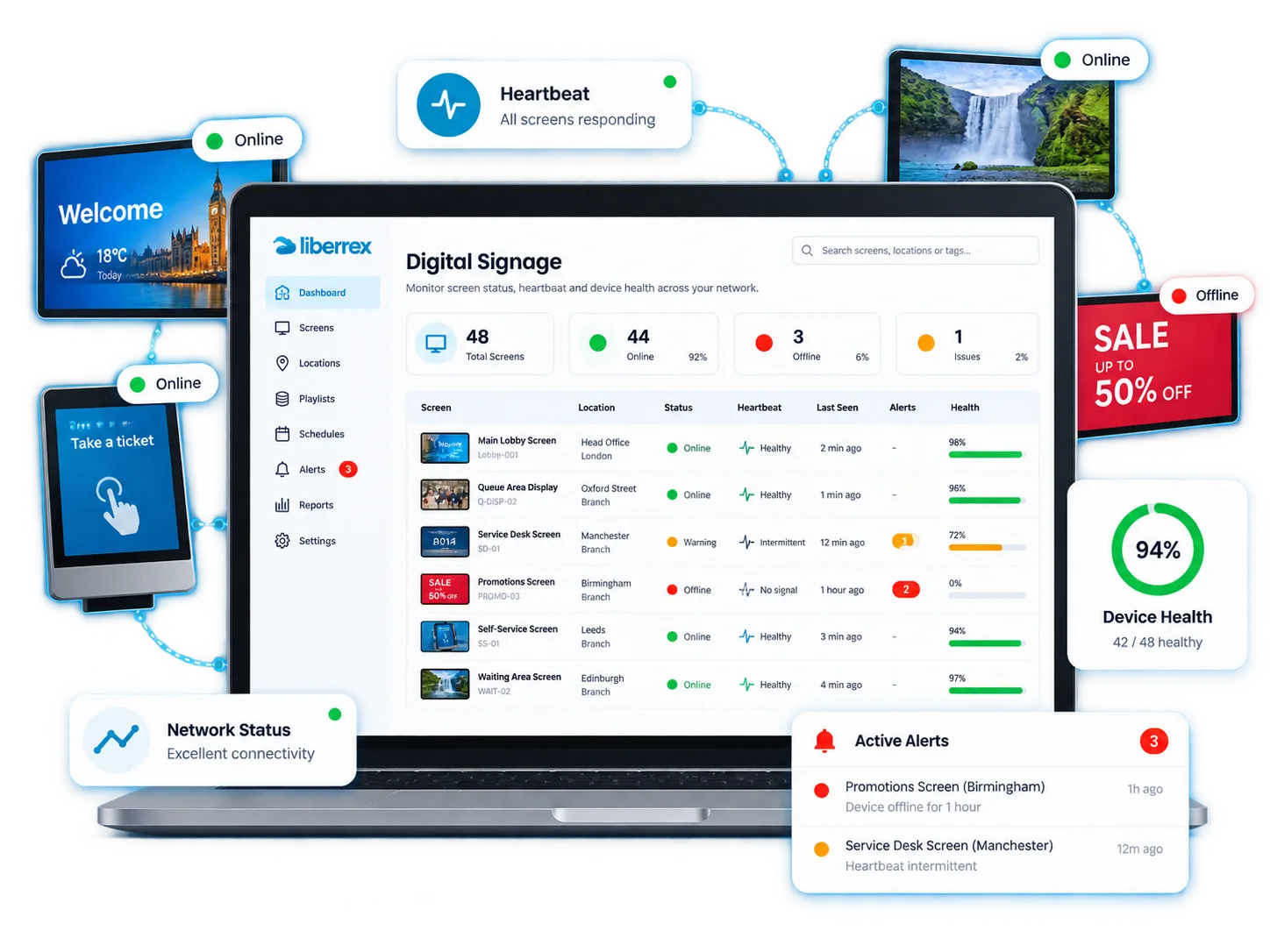
Conceptual illustration of screen status, heartbeat monitoring and last-connection visibility

Live operations

What is happening now?

  • Online / offline

    See whether displays and players are running now.

  • Heartbeat

    Identify endpoints that stop communicating with the platform.

  • Last connection

    See when a screen last communicated with the platform.

Reporting

What has happened over time?

  • Screen availability

    Review availability across displays over time.

  • Activity history

    See what content is assigned or running on screens.

  • Connection history

    Review communication visibility over the deployment.

Connected Customer Experience

Make signage part of the service journey.

A complete signage product that can also join the Liberrex CX journey when those capabilities are deployed — without depending on Queue Management.

Works with

Use cases

Use the same platform for different screen experiences.

  • Waiting areas

    Queue information, guidance and relevant content where customers wait.

  • Service counters

    Calling or directional information where the floor needs it.

  • Welcome / reception

    Orientation, welcome and service information at arrival.

  • Branch communications

    Institutional and promotional messaging at selected branches.

  • Campaigns

    Coordinated content on the screens included in the deployment.

Business outcomes

Operate communication without managing every screen manually.

  • Centralize content operations

    Manage screen content centrally instead of updating locations manually.

  • Keep customers informed

    Provide current service information where customers need it.

  • Reduce operational blind spots

    Identify screens that stop communicating with the platform.

  • Standardize the network

    Keep content and operating practices consistent across locations.

Business case

Model the value of centrally managed signage.

Estimate value from content administration, printing and material costs, screen operations and network scale.

Model your business case
  • Content administration

    Time spent creating and updating content at each location.

  • Printing / material costs

    Physical materials avoided where screens replace printed notices.

  • Screen operations

    Operational effort associated with managing displays.

  • Network scale

    Number of screens and locations in the deployment.

Customer proof

See Digital Signage operating in real service networks.

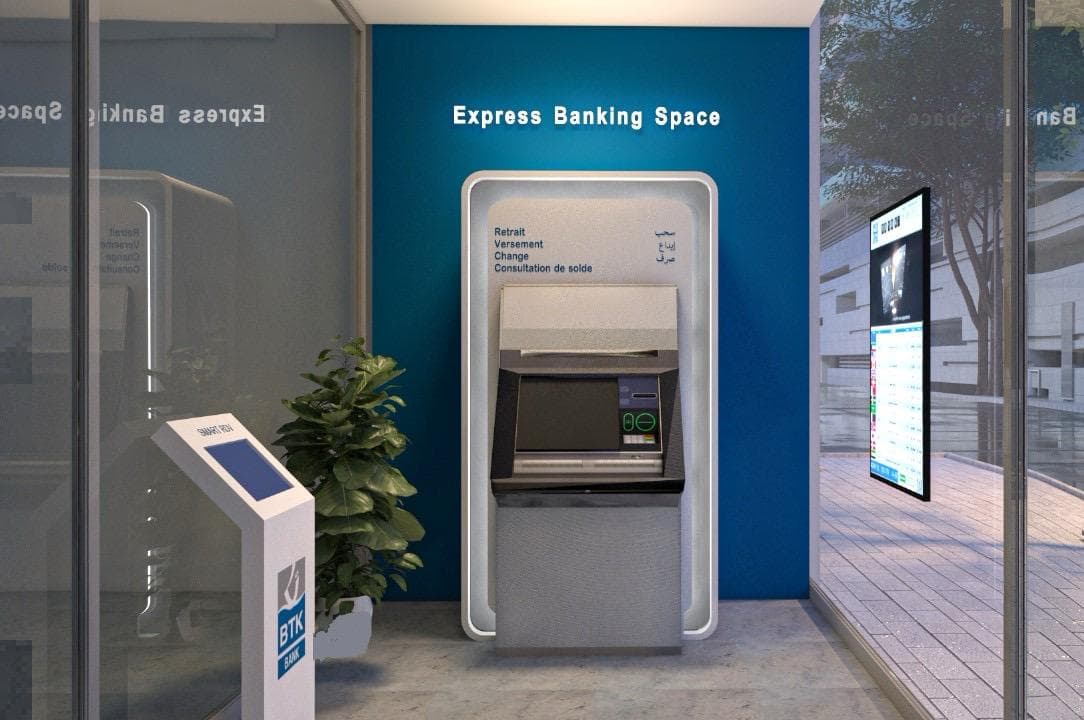
BTK branch deployment photograph

BTK Bank

Customer-facing screens on the BTK branch floor

Photography from the BTK branch floor shows customer-facing screens in the service environment. The published story covers queue, appointments, kiosk arrival and feedback operating around those displays.

  • Queue Management
  • Appointments & Booking
  • Feedback
Read customer story
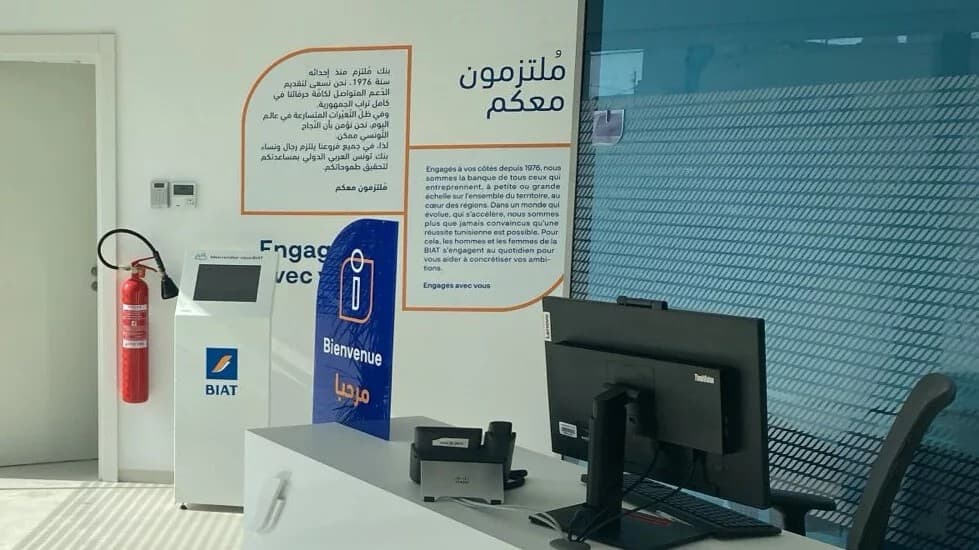
BIAT agency deployment photograph

BIAT

Customer-facing screens in BIAT agencies

Photography from BIAT agencies shows customer-facing screens at reception. The published story describes appointments, queues, kiosk arrival and feedback in the same agency environment.

  • Appointments & Booking
  • Queue Management
  • Feedback
Read customer story

Questions

Questions about Digital Signage

What is Liberrex Digital Signage?

It is Liberrex’s digital signage CMS for creating, publishing and monitoring customer-facing screens. Teams design layouts in a visual editor, add widgets and content elements, then publish to one or many displays. Operations teams can follow screen status from the same platform. It can also connect queue, flow and other Liberrex CX data when those modules are deployed. Digital Signage works as a complete signage product and does not require Queue Management.

Can I design screen content directly in Liberrex?

Yes. Liberrex includes a visual drag-and-drop editor for designing customer-facing screen layouts. Teams arrange widgets, media, text and other content elements on a canvas instead of starting from code. Layouts can be adapted for different displays. The public product is the Liberrex editor experience, not a third-party design tool. Exact options follow the editor capabilities configured for the deployment.

What types of content and widgets can be displayed?

Layouts can include widgets and other content elements so screens show more than a static poster. Supported widgets can present changing information, while media, text and visual elements complete the layout. When Queue Management is connected, ticket and calling information can appear as live service content. Widget availability follows what is configured for the project.

Can content be published to multiple screens or locations?

Yes. Content is managed from one environment and can be published to an individual display or to multiple locations such as branches and service points. Teams create layouts once, then send the right content to the screens that should show it. Publishing is about delivery — which content runs where — not about live screen health. The publishing perimeter follows the screens and locations configured for the deployment.

How does Liberrex monitor screen status?

Liberrex can show whether screens and players are online or offline, so operations teams see current health instead of learning about a dark display from a branch complaint. Screen status sits in the same platform used to create and publish content. Visibility covers the displays included in the deployment. This is current operational health, not a historical report, and it does not replace on-site hardware maintenance.

What is heartbeat monitoring?

Heartbeat monitoring helps operations teams identify endpoints that stop communicating with the platform. When that communication stops, teams can see that a display needs attention. Heartbeat is an operational connection signal, not an advertising or audience metric, and it does not count viewers. It sits with screen status so current health is visible from the same environment used to publish content.

Can Digital Signage connect with Queue Management and other Liberrex CX capabilities?

Yes. Digital Signage can display queue and calling information from Queue Management, sit in the on-site journey with Customer Flow Management, and coordinate with self-service kiosks or appointment guidance where those capabilities are used. It remains a complete signage CMS without Queue Management. Journey integration is additive, not a dependency. What appears on screen follows the modules and content configured for each location.

See how Digital Signage could operate across your network.

Create, publish and monitor screen experiences across branches, agencies and service points.

Cookie preferences