
BTK Bank
How BTK connected the branch customer journey
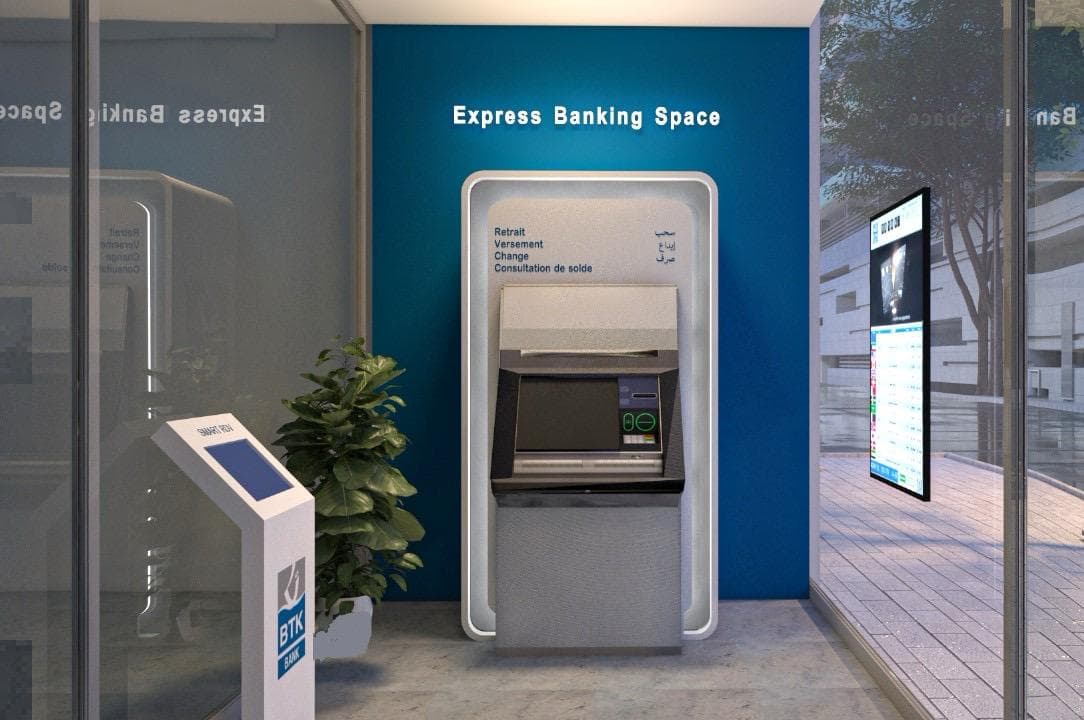
The published story shows online appointments, virtual and floor queues, kiosk check-in and post-service feedback in the same branch visit.
- Queue Management
- Appointments & Booking
- Feedback
Customer Flow Management
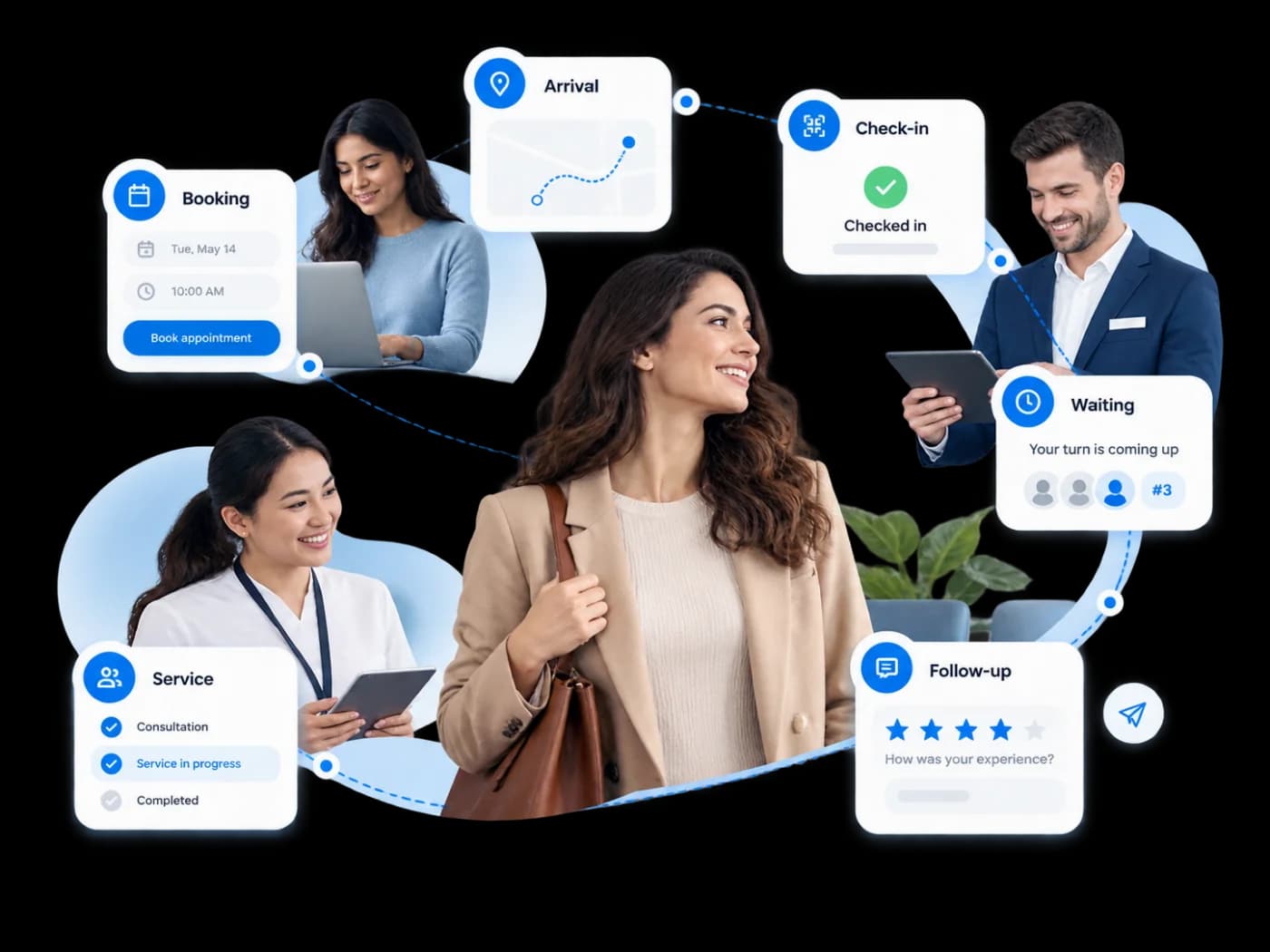
From booking and arrival to waiting, service and feedback, Liberrex keeps the customer journey connected across the service network so context can move with the customer instead of restarting at every touchpoint.
Journey continuity
When booking, arrival, waiting, service and follow-up operate as disconnected processes, customers repeat information and teams lose the context created earlier in the visit.
Appointments, arrival and service can run as separate processes rather than one visit.
Each team may need to rediscover intent, service selection and previous journey steps.
Moving between touchpoints or service steps can create repetition and operational friction.
End-to-end journey
Customer Flow Management keeps the stages of a service visit connected so the customer does not start again at every step.
Appointment, virtual entry or other pre-arrival step where used.
The customer reaches the physical or digital service entry point.
The visit is identified and connected to the relevant service context.
The customer enters the appropriate service flow where waiting is required.
The customer is routed to the relevant employee, desk or service point.
Feedback or appropriate post-service activity can remain connected to the visit.
Journey orchestration
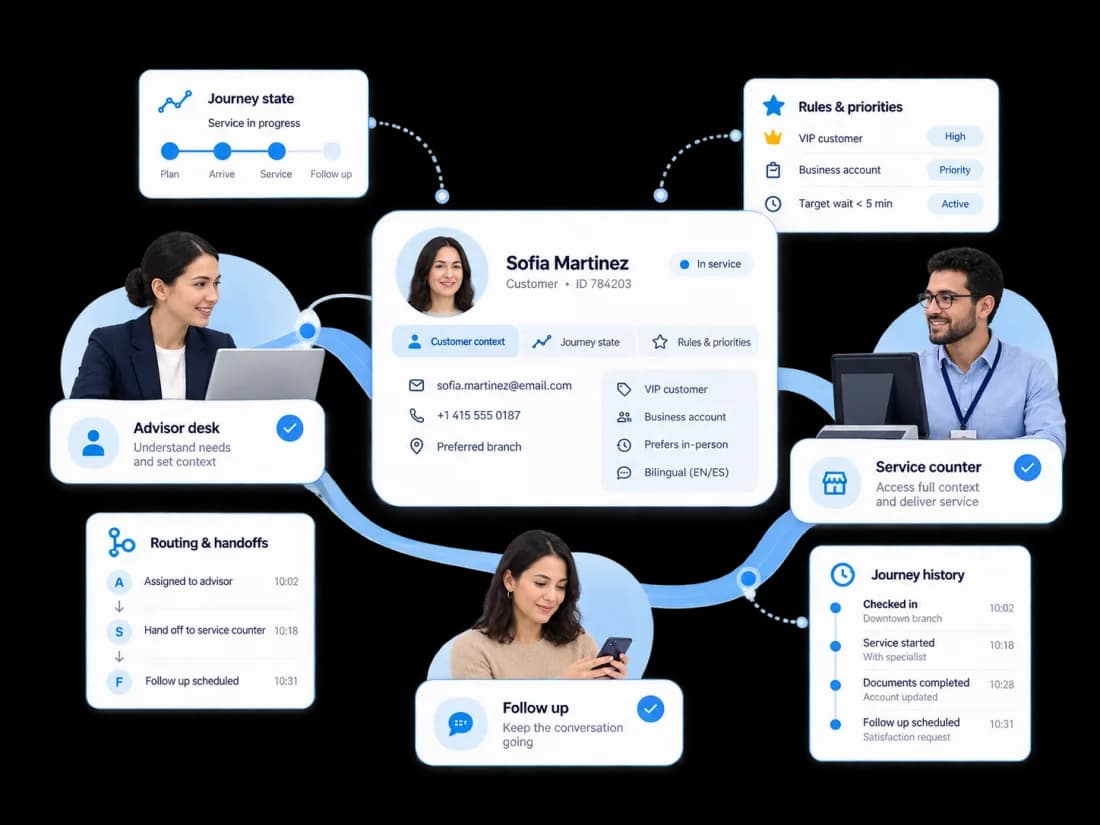
Customer Flow Management coordinates the information, rules and operational state required to move a visit from one stage to the next — journey orchestration for service operations.
Carry the relevant visit and service context through the journey.
Know where the customer is within the operational service process.
Apply configured service rules and priorities where required.
Move the visit to the appropriate next service point or team.
Retain the operational history required for visibility, reporting and follow-up.
Multi-step service
Liberrex can preserve the visit context as the customer progresses through multiple service interactions.
Banking
Connected touchpoints
Customers can enter and continue the same visit through the Customer Experience touchpoints deployed for the network.
Booking or digital entry where that step is in use.
Virtual queue or mobile service interactions where enabled.
Self-service check-in and service selection.
The employee view of the customer and the visit.
Queue and service information in the location.
Post-service responses connected to the visit.
Role experience
Network operations
Liberrex allows service organizations to apply a consistent operating model across branches, agencies or service points while preserving the configuration required by each location.
Define how visits progress through relevant service stages.
Apply journeys across branches, agencies or service points.
Configure routing, priorities and applicable service logic.
Monitor how journeys are progressing across the network.
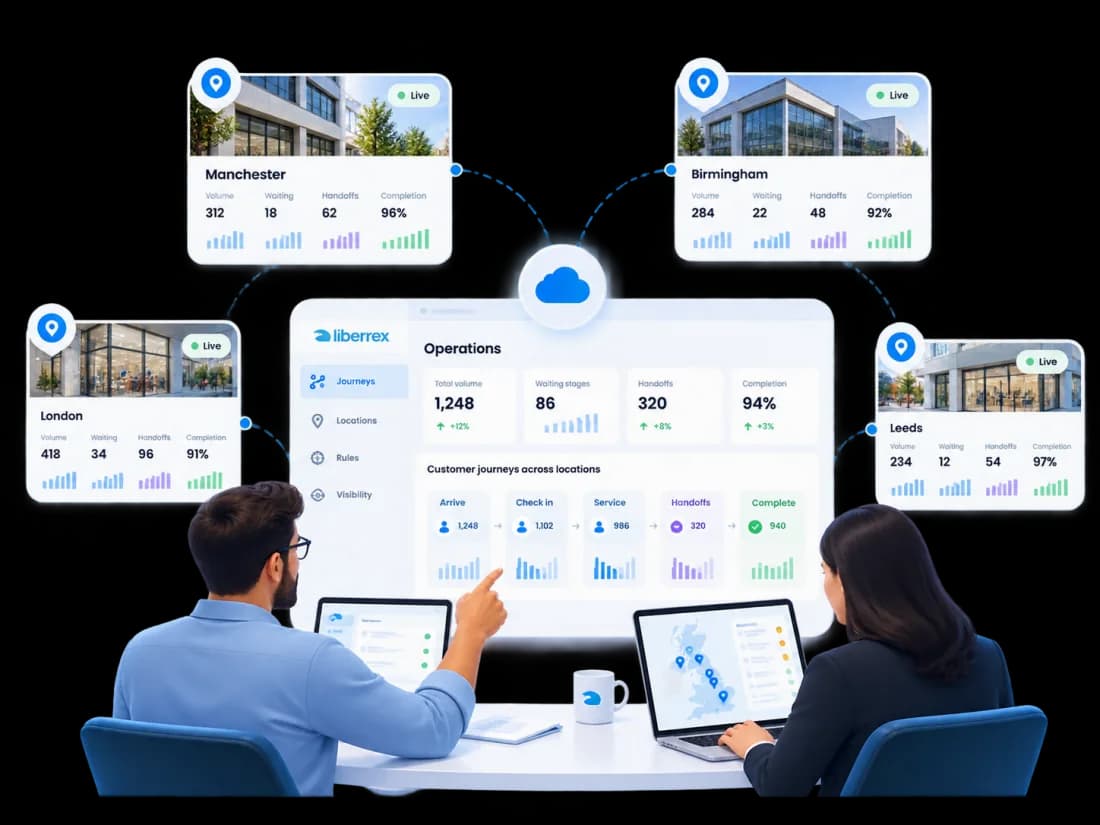
Operational visibility
See where the service journey is working — and where it breaks.
See visit activity across the locations in scope.
See where customers are waiting in the service flow.
See when visits move to another queue or service step.
Connect completion and post-service responses to the visit.
Core capabilities
Define how visits progress through service stages.
Connect booked visits to arrival and service.
Identify the visit at the service entry point.
Place the visit in the waiting and service flow.
Send the customer to the right desk or team.
Keep context when another service step is required.
Carry visit information into the next interaction.
Collect feedback while remaining in the same visit.
See visit activity, waiting, service and follow-up.
Apply the same journey model across locations.
Business case
Use your own service volumes, handoff patterns and staffing assumptions to model potential operational impact.
Reduce repeated operational handling where journey context can be reused.
Reduce administrative or coordination time spent rediscovering the visit.
Keep follow-up and feedback attached to the visit instead of starting a separate process.
Customer proof
BTK Bank
The published story shows online appointments, virtual and floor queues, kiosk check-in and post-service feedback in the same branch visit.
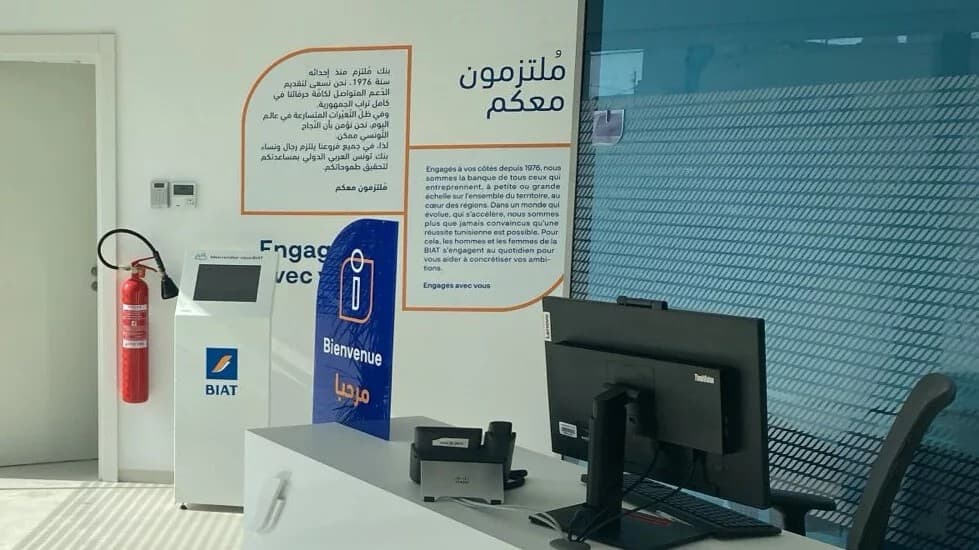

BIAT
The published story describes appointments, queue handling and customer feedback operating together across BIAT agencies.
Questions
It is the Liberrex Customer Experience capability that keeps a service visit connected from booking and arrival through waiting, service and follow-up. Queue Management organizes live waiting and service demand. Appointments & Booking plans demand before arrival. Customer Flow Management is how those stages stay one journey, so customers do not restart their story at every touchpoint. Scope is defined per deployment.
Queue Management organizes live waiting and service demand once customers are in the visit: tickets, routing, service points and handling. Customer Flow Management is broader. It connects the stages around that visit — booking, arrival, check-in, waiting, service and feedback — so context can move with the customer instead of restarting at each step. The two capabilities work together in the same service journey.
When Appointments & Booking is deployed, the planned visit can be identified at arrival and connected to the service flow configured for the location. Queue Management then organizes waiting, routing and handling. Check-in, kiosks and the agent interface can take part in the same visit when those modules are in use. The connection is operational: one visit context, not a marketing journey.
Yes, when transfers between queues or service points are configured. A visit does not have to end at the first desk. The customer can move to another service step while the visit context is preserved. Typical configured sequences include reception then advisor, or intake then a specialist desk. Liberrex does not claim an unrestricted workflow engine.
Liberrex is built for service networks. Organizations can apply a consistent operating model across branches, agencies or service points while keeping the configuration each location needs. Journey stages, routing rules and visibility can be defined for the network, then applied locally. Published BIAT and BTK stories show Customer Experience operating across agencies without implying every capability is live at every site.
Liberrex can connect Customer Experience operations to surrounding systems through the integrations defined for a deployment. Typical connections support the operational data needed for visits, appointments and service handling. Integration scope is project-specific. The public product is not a customer data platform. See Data & Integrations for the platform approach.
Related Customer Experience
Explore how Liberrex can connect booking, arrival, waiting, service and feedback across your branches, agencies or service points.